Laser Layer Maker Blog
Laser Layer Maker empowers creators to transform any photo, cartoon, or logo into professional-grade, laser-ready layered files. By automatically splitting your images into precise engraving-depth layers, our tool streamlines your workflow for seamless production. Whether you are using LightBurn, DXF, or xTool Studio, we provide the high-quality exports you need to bring your designs to life. Experience a faster, more efficient way to prepare your projects for laser cutting and engraving.
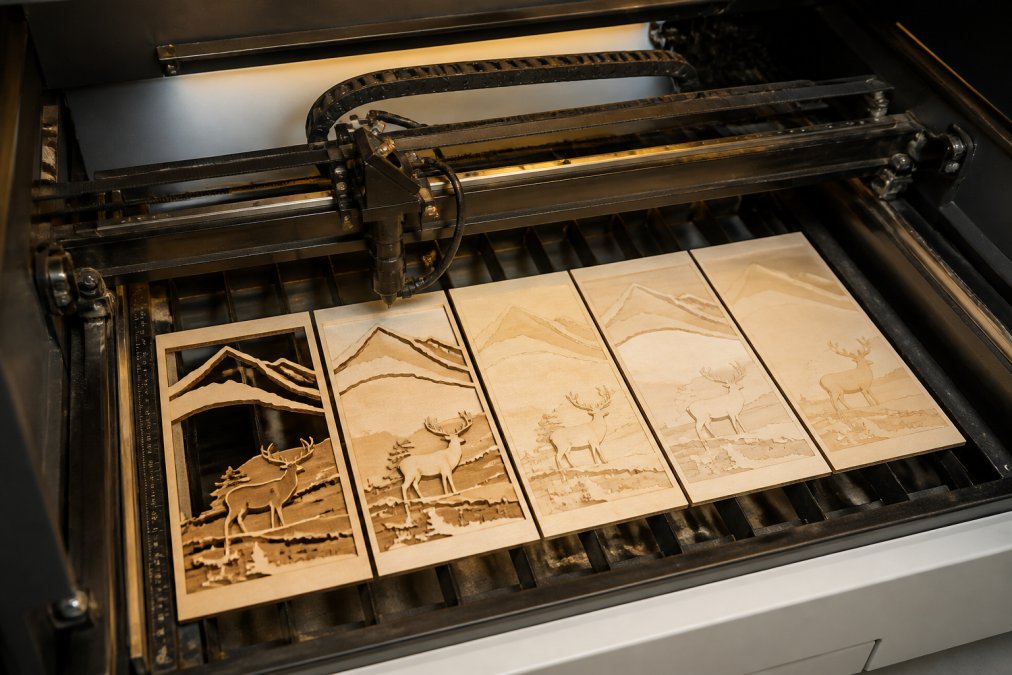
Best Way to Layer Images for LightBurn: Step-by-Step
Learn the best way to layer images for LightBurn with a step-by-step workflow for depth-based engraving, cutout paths, and clean multi-layer wood art.
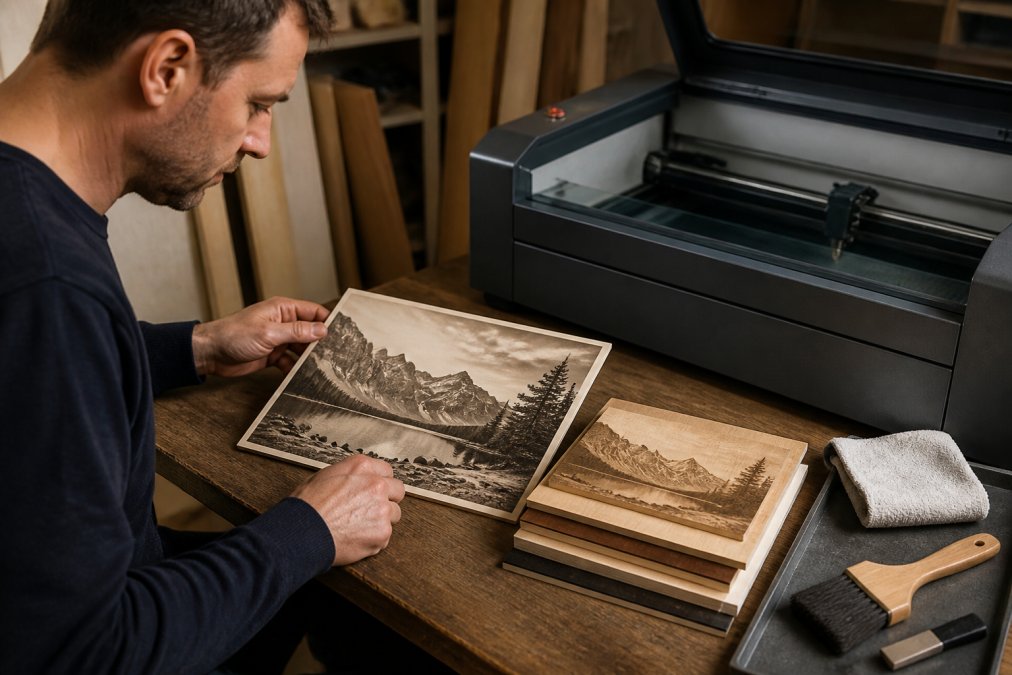
How to Prepare Photos for Laser Engraving: 2026 Guide
Learn how to prepare photos for laser engraving in 2026. Master resolution, contrast, dithering, and settings to get crisp, professional results every.
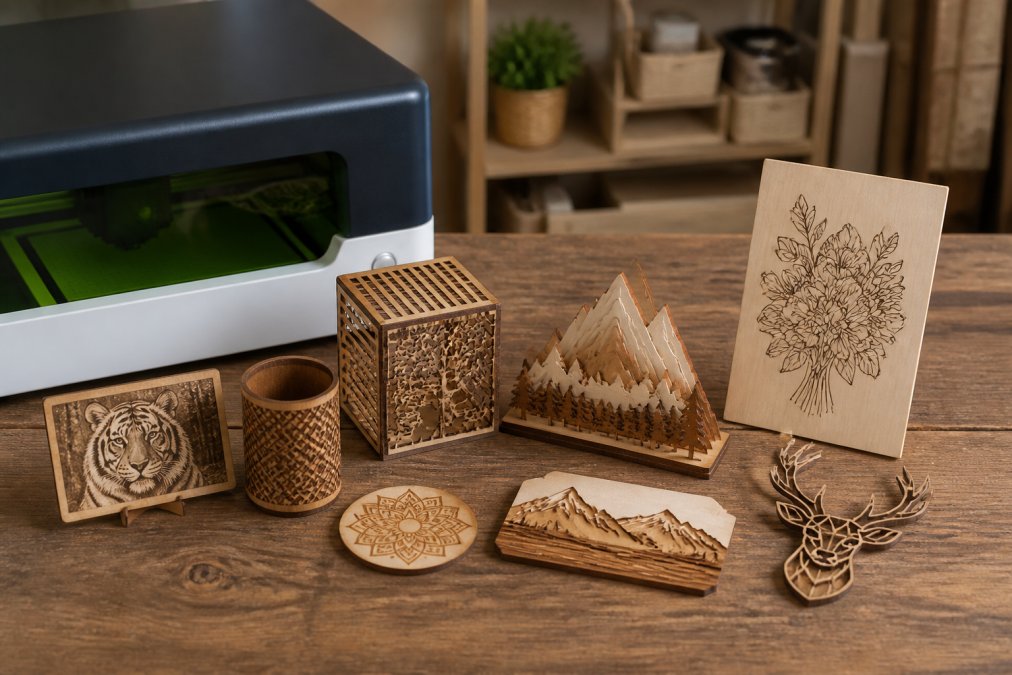
Best Software for xTool Studio Users: 2026 Guide
Find the best software for xTool Studio users in 2026. Compare LightBurn, design tools, and workflow options to get cleaner laser files. Explore now.