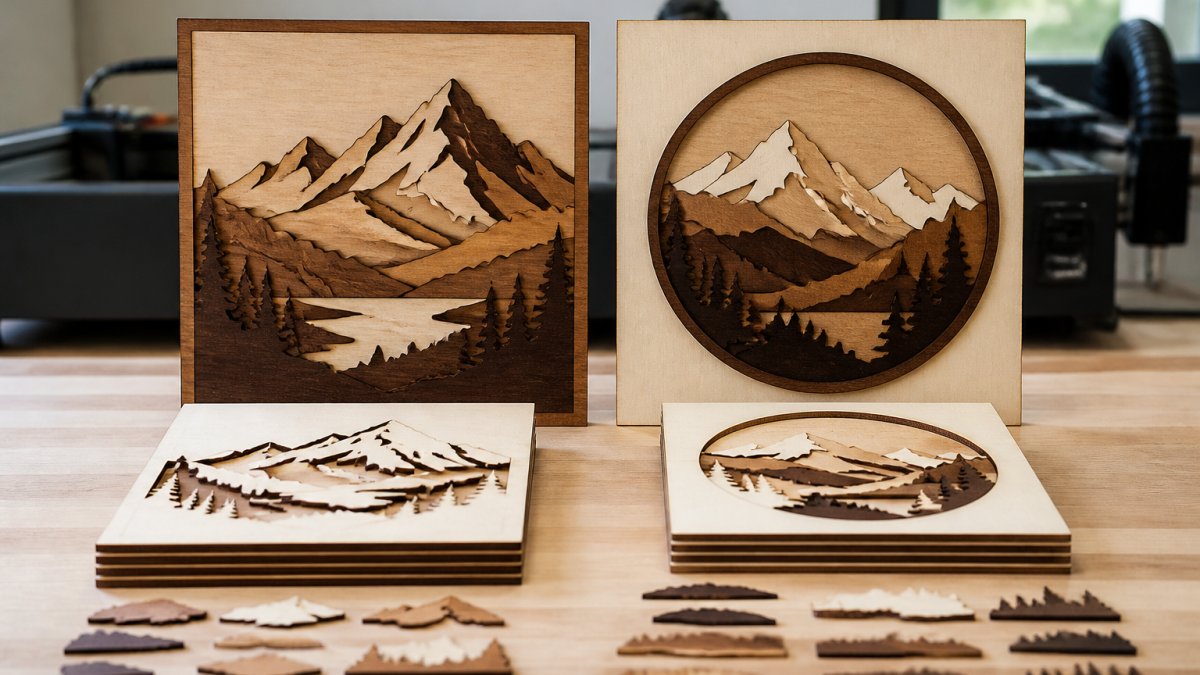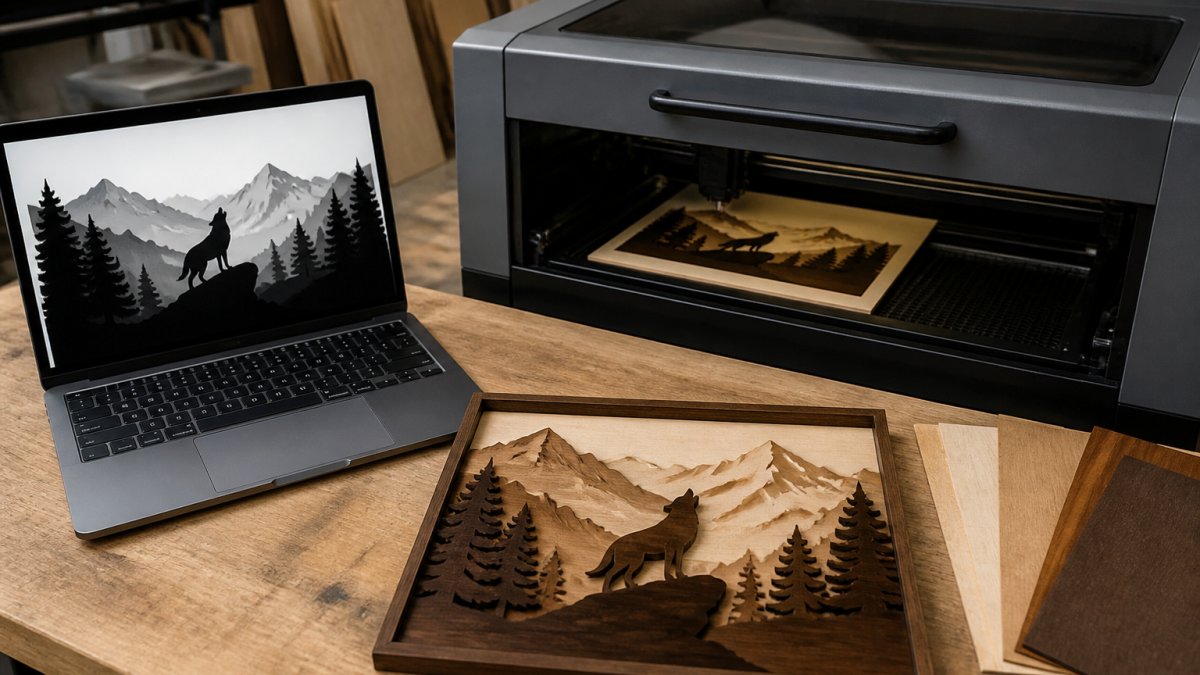
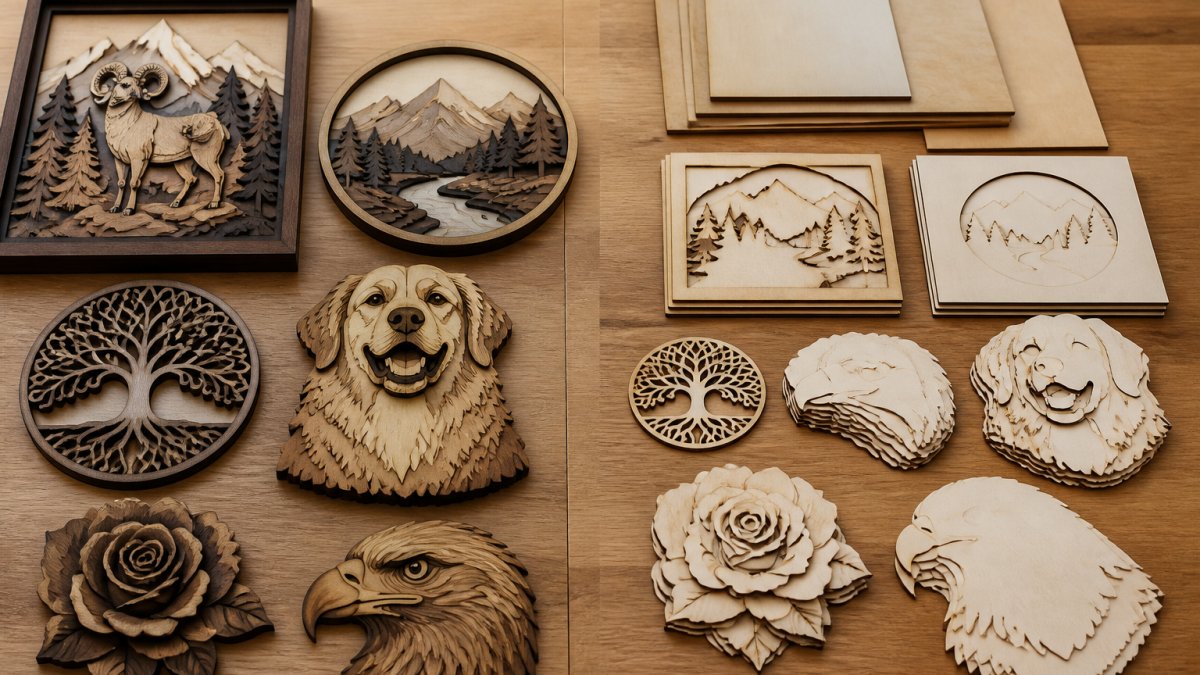
 comparison
Outsourcing Laser Production vs Doing It Yourself
Last Updated: November 2, 2026
Quick Summary
Outsourcing laser production means paying an outside shop to cut and engrave your parts, while in-house laser production means buying and running your own machine. Most small operations should start with outsourcing and move in-house only when job volume covers the machine's fixed costs and still leaves margin.
- Outsourcing has near-zero upfront cost but limited schedule control and higher cost per part at volume.
- In-house startup costs include ventilation, fire safety, electrical work, cooling, software, and weeks of training.
- Divide fixed monthly cost by per-part savings to find the monthly volume where ownership breaks even.
- Run conservative, base, and optimistic cases; if ownership only wins in the optimistic case, keep outsourcing.
- Many shops run hybrid: in-house for repeat products, outsourced for overflow and one-off materials.
Table of Contents
- Outsourcing vs In-House Laser Production: The Core Trade-Offs
- Laser Engraving Business Startup Costs: What You Pay Upfront
- In-House Laser Engraving Equipment: What You Need to Run It
- Laser Engraving Services for Small Businesses: How to Evaluate a Supplier
- Operating Costs and Break-Even: When Ownership Pays Off
- Laser Engraving Production Workflow: File Prep, Scheduling, and Quality Control
- Choose Your Laser Production Path and Start Your First Job
- Frequently Asked Questions
Outsourcing vs In-House Laser Production: The Core Trade-Offs
The outsourcing laser production vs doing it yourself decision comes down to one question: does your job volume keep a machine busy enough to justify owning it? The honest answer for most small operations is that they start with outsourcing and move in-house only when the numbers justify it.
Outsourcing laser production is paying an outside shop to cut and engrave your parts on their equipment. In-house laser production means buying, housing, and running your own machine.
Here is the trade-off in plain terms:
| Factor | Outsourcing | In-House |
|---|---|---|
| Upfront cost | Near zero | Machine, ventilation, workspace |
| Control over schedule | Limited by supplier queue | Full, within your own capacity |
| Cost per part | Higher at volume | Falls as volume rises |
| Flexibility on design changes | Slower | Immediate |
| Maintenance and training | Supplier's problem | Yours |
The mistake most guides make is treating this as a permanent identity choice. It is not. It is a capacity decision you revisit as volume changes.
Laser Engraving Business Startup Costs: What You Pay Upfront
Startup costs split into two very different budgets, and mixing them up is the fastest way to overcommit. If you outsource, your upfront spend is mostly design work, samples, and materials. If you go in-house, the machine is only the first line item, and often not the largest once the room is built out.
Outsourcing startup costs typically include:
- File preparation and design time
- Sample runs to test a supplier's quality and edge tolerances
- Blank materials and packaging inventory
- Listing photography and store setup
- A small buffer for rework on the first few orders
In-house startup costs add several categories the machine price hides:
- The laser itself. Diode and CO2 machines dominate small-shop work; fiber lasers handle bare-metal marking.
- Ventilation and exhaust. Ducting to the outdoors, an inline or centrifugal fan, and a make-up air path. A closed room is not an option, fumes and particulates must leave the workspace.
- Fire safety. A fire-rated or metal work surface, a properly sized fire extinguisher rated for electrical and material fires, and a clear, non-combustible zone around the machine. Many insurers ask about this before covering a home or shop policy.
- Electrical. A dedicated circuit sized to the machine's draw, adequate amperage, and surge protection. Undersized wiring is a common and expensive retrofit.
- Cooling. Many CO2 and fiber machines need a chiller or water circuit; diode units usually rely on air cooling but still need clearance.
- Software and computer. LightBurn is the common hub for layout and cut settings; a dedicated PC near the machine avoids file-transfer friction.
- Consumables and spares. Lenses, mirrors, focus lenses, nozzles, and a stock of test material.
- Operator training time. Weeks, not days, before settings and nesting are efficient.
A total-cost-of-ownership view beats a sticker-price view. Rather than comparing the machine price to a supplier quote, list every cost that only exists because you own the equipment: purchase or financing, installation, facility build-out, insurance, maintenance, consumables, downtime, and the labor hours you spend on file prep and machine tending. Then compare that total against what you would pay a supplier for the same annual volume. The gap is your real break-even signal, and it is usually wider than the sticker price suggests.
U.S. Small Business Administration guidance on starting a business
OSHA guidance on laser hazards and workplace safety
In-House Laser Engraving Equipment: What You Need to Run It
In-house laser engraving equipment is more than a cutter. A working setup needs the machine, a way to move fumes out of the room, a stable power supply, and software that turns your artwork into a cut file.
The core list:
- The laser: diode and CO2 machines dominate small-shop work; fiber lasers handle bare metal marking.
- Ventilation: exhaust to the outdoors, not a closed room.
- Cooling: many machines need a chiller or water circuit.
- Software: LightBurn is the common hub for layout and cut settings.
- Material handling: storage, offcuts, and a flat assembly surface.
The learning curve is real. Expect weeks, not days, before your settings and nesting are efficient. Material compatibility and cutting thickness change your settings for every new blank, and repeatability depends on keeping those settings documented.
Laser Engraving Services for Small Businesses: How to Evaluate a Supplier
Laser engraving services for small businesses vary enormously, and price alone tells you almost nothing. Evaluate a supplier on four things before you send a real order.
- Sample quality: order a sample in your actual material and inspect edge tolerances and engraving depth.
- Turnaround time: ask for their standard lead time and how they handle rush jobs.
- File requirements: confirm what format they accept and whether they charge for file fixes.
- Capacity and communication: ask how they schedule batch work and who answers when a job goes wrong.
A common mistake is choosing on cost per part and discovering later that rework and delays erased the savings. Scrap rate and rework are the hidden costs of a cheap supplier.
Operating Costs and Break-Even: When Ownership Pays Off
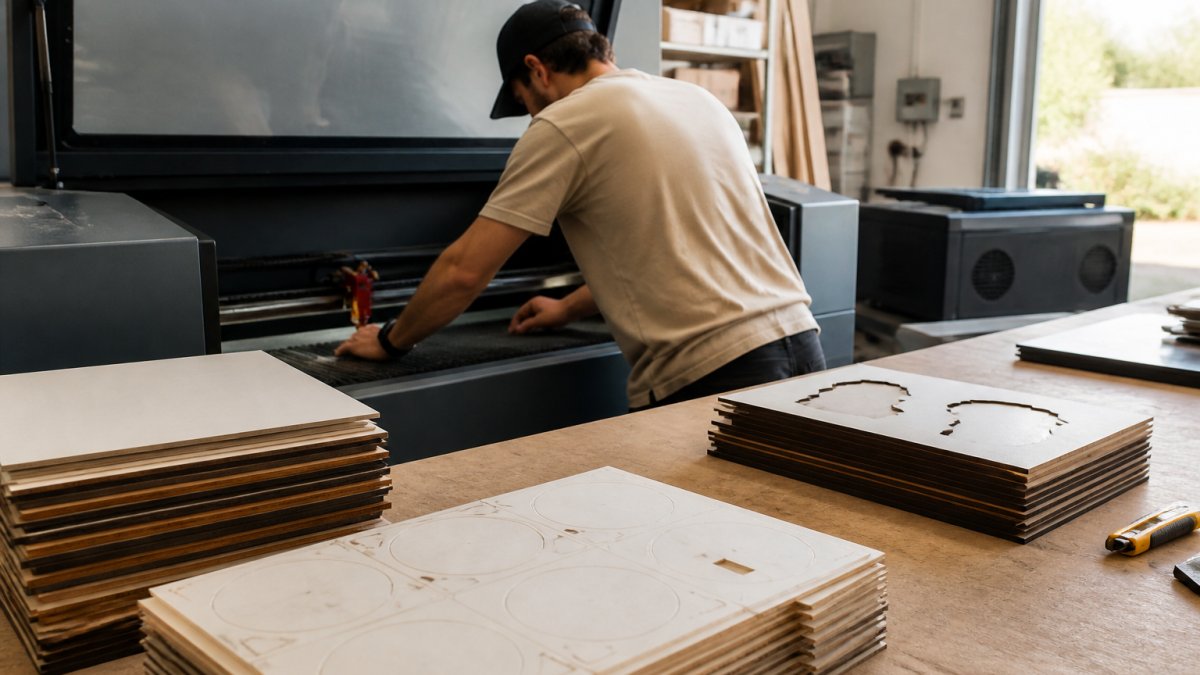
Ownership pays off when your monthly job volume covers the machine's fixed costs and still leaves margin.
Build the model in five lines, not four:
- Fixed monthly cost. Machine payment or depreciation, rent for the space the machine occupies, insurance, and any financing interest. Depreciation matters even if you paid cash, the machine wears out and will need replacing.
- Variable cost per part. Material, consumables (lenses, nozzles, test blanks), energy, and labor minutes per part. Labor is the line most owners underestimate because file prep and tending are not always counted.
- Supplier cost per part. The quoted price plus your time managing the order, inspecting incoming parts, and handling rework.
- Effective monthly volume. How many parts you actually ship, not how many you could ship if the machine ran perfectly. Apply a realistic utilization rate and subtract downtime for maintenance and repairs.
- Scrap and rework rate. Every failed part carries its material, labor, and machine time. A supplier's scrap is baked into their price; yours is a cost you absorb directly.
The break-even formula. Subtract your variable cost per part from the supplier cost per part to get your per-part savings. Divide fixed monthly cost by that savings figure. The result is the monthly volume at which ownership breaks even.
Why a job-mix view beats a single volume number. Not all laser work is equivalent. Material type, thickness, batch size, and how often designs change all shift the economics. A shop that runs long batches of the same product on one material reaches break-even far faster than a shop running short, varied jobs with frequent setup changes. Before you trust a break-even number, sort your actual jobs into repeat products, one-offs, and specialized-material work, the repeat products are the ones that justify ownership, and the rest may still belong with a supplier.
The hybrid path. Many shops keep urgent, repeat, or sensitive jobs in-house and outsource overflow, specialized materials, and peak demand.
Quality and risk belong in the math. Inspection, repeatability, tolerances, and process validation affect the real cost of each option.
IRS guidance on deducting business equipment costs
Laser Engraving Production Workflow: File Prep, Scheduling, and Quality Control
Laser engraving production workflow is the part that decides whether in-house production actually saves money. A machine that sits idle while you fix files is more expensive than any supplier.
The workflow has three stages:
File prep. Convert artwork into clean, layered files with predictable engraving depths. This is where most hours disappear, especially with photographs and gradients. For practical guidance on speeding up this step, see our workflow guide for laser file preparation. Our tool splits an image into engraving-depth layers and exports to LightBurn SVG, DXF, or xTool Studio.
Scheduling. Group jobs by material and thickness to cut setup changes. Batch size and job scheduling decide your real throughput, so it helps to organize your cut files for batch production.
Quality control. Check edge tolerances and engraving depth on the first piece of every batch, not the last. Log settings per material so repeatability survives a busy week.
Choose Your Laser Production Path and Start Your First Job
Pick outsourcing if your volume is low, your designs change constantly, or you have no safe space for ventilation. Pick in-house if you have steady batch work, a dedicated room, and the patience for a learning curve. Many shops run a hybrid: in-house for repeat products, outsourced for overflow and one-off materials.
Once the path is set, the next constraint is product choice. Our list of niche products for a laser engraving business can help you pick work that pays off.
Frequently Asked Questions
Is it cheaper to outsource laser engraving or buy a laser engraver?
It depends on volume. Outsourcing avoids upfront equipment costs and ongoing maintenance, which suits low or irregular production. Owning a machine makes sense when you run it consistently enough to spread the capital investment across many jobs. SendCutSend notes that outsourcing can be cheaper for lower-output businesses that do not run a laser cutter continuously. Calculate your monthly job count and compare cost per part before deciding.
How much does it cost to start a laser engraving business?
Startup costs include the machine, ventilation, safety equipment, software, and materials. Alpha Lazer cites laser system purchase costs ranging from $200,000 to $1,500,000 for industrial systems, though smaller desktop units cost far less. Budget for operator training, maintenance, and a learning curve before you reach full production capacity. Outsourcing lets you test demand before committing capital to in-house laser engraving equipment.
What are the advantages of outsourcing laser production?
Outsourcing removes equipment purchase costs, maintenance, repairs, and operator training from your balance sheet. You get access to production capacity without managing machine uptime or downtime. Suppliers handle quality control and material compatibility for you. The trade-offs are longer lead times, less control over scheduling, and per-part costs that rise with volume. It works best for small businesses with unpredictable demand or limited floor space.
When should a small business bring laser production in-house?
Bring production in-house when your job volume keeps a machine busy enough to hit the break-even point and when turnaround time matters to your customers. Selmach identifies infrequent or low-volume cutting as a reason to outsource, so the reverse applies: steady, high-volume work justifies ownership. Also consider whether you have space, ventilation, and staff to run and maintain the equipment. Run a total-cost-of-ownership comparison first.
How do I choose a laser engraving service for my business?
Ask about material compatibility, cutting thickness limits, edge tolerances, and repeatability across batches. Request samples to check quality control and scrap rate. Confirm lead times and how the supplier handles demand fluctuations or rush jobs. Compare cost per part at your actual batch sizes, not just the headline rate. A supplier that fits your job mix and quality requirements will save more than the cheapest quote.
The hardest part of laser production is not the machine or the supplier. It is the file prep between them. Laser Layer Maker turns any photo, cartoon, or logo into layered, laser-ready files, splits images into precise engraving-depth layers, and exports straight to LightBurn SVG, DXF, and xTool Studio. Get started with Laser Layer Maker and spend your hours producing instead of tracing.