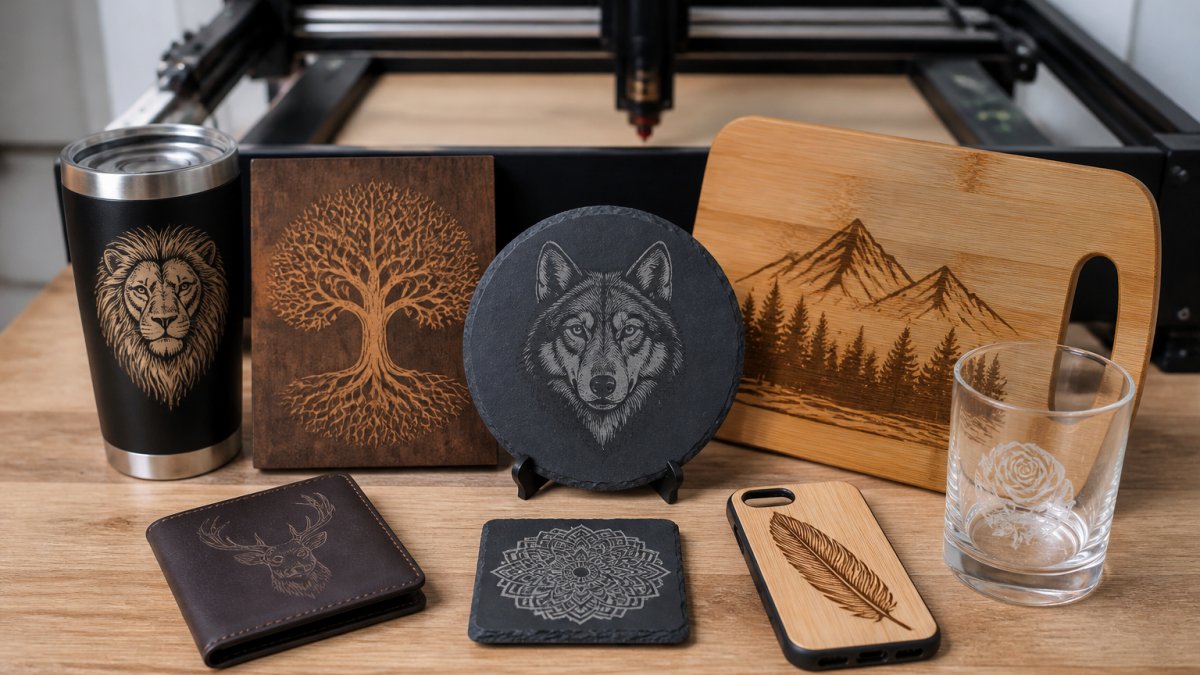
 listicle
7 Best Niche Products for a Laser Engraving Business
Last Updated: November 1, 2026
Quick Summary
The seven best niche products for a laser engraving business are custom jewelry, personalized tumblers and drinkware, pet ID tags and keychains, wooden cutting boards, leather and hat patches, B2B signs and nameplates, and wedding decor and favors. Highest per-unit profit needs the most detail work, while lowest-competition niches need the most outreach.
- Validate demand on marketplaces by checking active listings, review velocity, and seasonality before buying materials.
- Test with a small batch of 5-10 units before committing to bulk inventory.
- Custom jewelry offers the highest per-unit profit, reported at $25-$60 per unit.
- Pet tags and keychains sell for $10-$20 per unit and suit beginners testing demand.
- Leather and hat patches have lower competition because they require B2B outreach.
Table of Contents
- How to Pick Laser Engraved Products to Sell
- 2. Personalized Tumblers and Drinkware
- 3. Pet ID Tags and Personalized Keychains
- 4. Engraved Wooden Cutting Boards and Kitchenware
- 5. Leather and Hat Patches for Brand Merch
- 6. B2B Signs, Nameplates, and Promotional Products
- 7. Wedding Decor and Favors: Seasonal Volume Plays
- Quick Comparison: The Seven Products at a Glance
- What Most Guides Get Wrong About Laser Engraving Niches
- Frequently Asked Questions
How to Pick Laser Engraved Products to Sell
The most profitable laser engraving business isn't the one with the biggest machine. It's the one that picked products with real demand, healthy margins, and a production process that doesn't eat the profit.
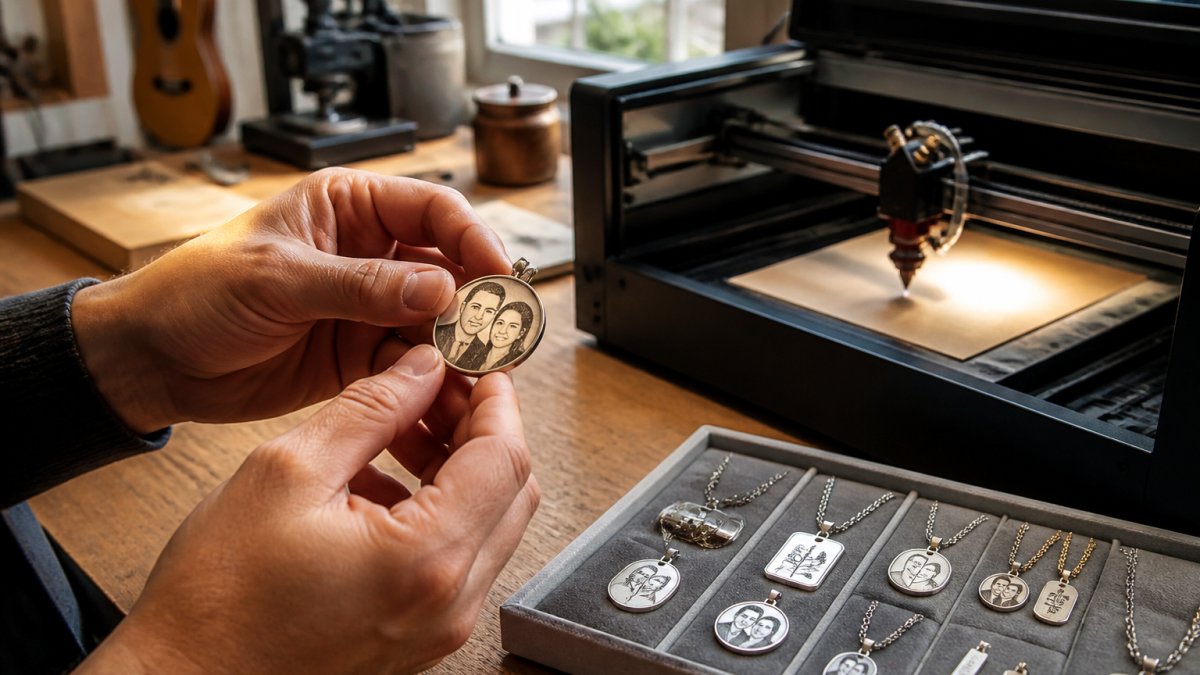
Laser engraving is the process of using a focused laser beam to burn precise designs into wood, acrylic, leather, metal, and glass.
Below, we'll show you exactly how to validate demand before you spend a dollar on materials, then break down seven niche products ranked by profit potential and competition. Use the three filters below in order; most failed product launches skip the first one.
Filter 1: Validate Demand Before You Buy Materials
Start with the marketplace, not the machine. Search your product idea on major selling platforms and count active listings, review volume, and how recently sellers joined. High review counts on a few stores signal a proven market. A crowded field of identical designs signals a race to the bottom.
A repeatable pattern most practitioners use:
- Search the exact phrase a buyer would type (e.g., "personalized pet tag," not "laser engraved tag"). Count the first page of results and note how many listings have 1,000+ reviews. A handful of high-review anchors plus a long tail of new sellers is a healthy market; a page of near-identical listings with 5,000+ reviews each is saturated.
- Check review velocity, not just totals. A listing with 200 reviews earned in the last 90 days is selling faster than one with 2,000 reviews accumulated over five years. Sort by "newest" and look at how recently top sellers joined.
- Look for seasonality signals. Wedding and holiday terms spike in predictable windows; pet and drinkware terms stay flat. If you need steady cash flow, favor flat-demand categories.
Filter 2: Match Each Product to Your Machine and Work Area
Your laser's bed size and power output decide which products you can realistically produce. A small desktop unit handles keychains and jewelry but won't fit a cutting board. Low-wattage lasers mark wood and leather well but struggle with bare metal without a coating or fiber laser.
Do the math before you commit:
- Bed size. Measure the usable work area, not the advertised footprint. A standard cutting board runs roughly 12 x 18 inches; if your bed is smaller, that product is off the table unless you tile the job (which adds time and alignment risk).
- Power and material. Diode lasers in the 10-20W range mark wood, leather, acrylic, and coated metal well. Bare stainless and aluminum typically need a fiber laser or a marking spray/coating. Glass and some plastics require testing, and some plastics (notably PVC) release harmful fumes and should be avoided entirely.
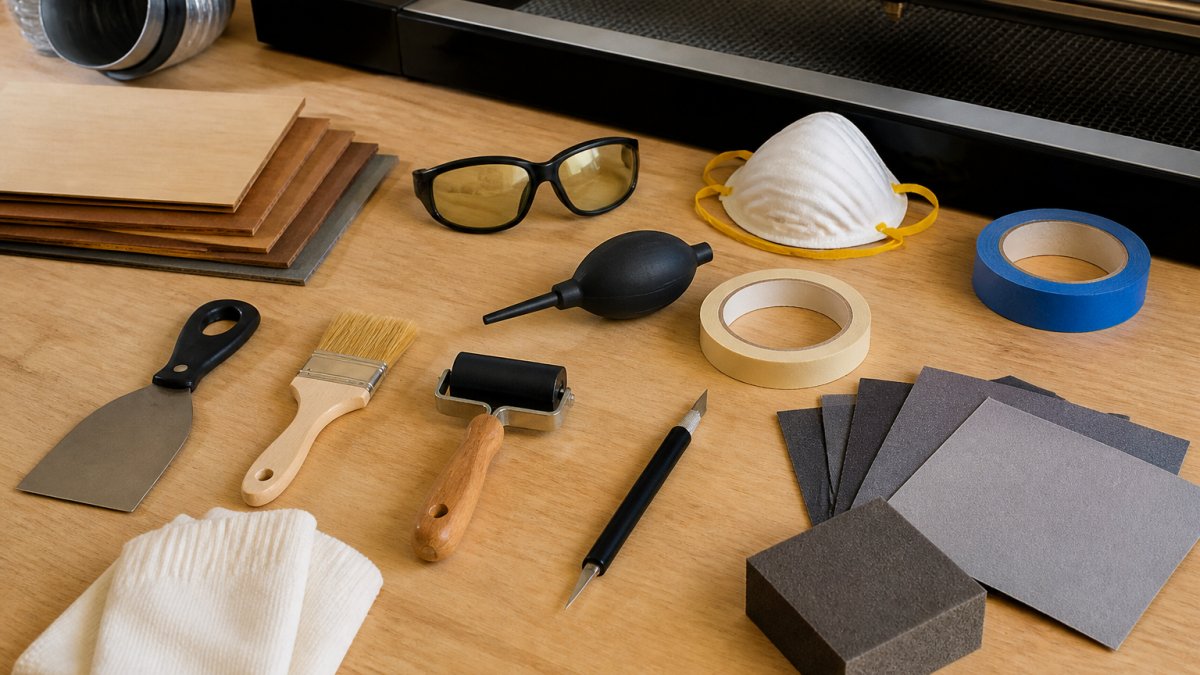
- Ventilation and safety. Engraving leather, acrylic, and coated metals produces fumes and residue. Plan for an enclosure and exhaust before you scale, not after.
Check your work area before committing to large-format products like signage or wall art.
Filter 3: Price for Margin, Not for the Market
Before you pick a product, build a simple per-unit cost sheet: material cost + labor time (at a rate you'd actually pay yourself) + packaging + platform fees + a waste allowance for misprints.
(https://blog.laserlayermaker.com/organize-laser-cut-files-batch-production) keeps runs efficient.Best for: sellers with a fiber or mid-power laser and an eye for detail.
Skip if: your machine can't hold tight tolerances on small pieces.
2. Personalized Tumblers and Drinkware
Drinkware is the volume play. Tumblers, mugs, and water bottles sell year-round and take personalization well, which makes them a steady earner rather than a seasonal spike.
Rotary attachments are commonly used for curved surfaces, and testing settings on scrap before a customer order is good practice. Watch out: engraving the wrong coating on an insulated tumbler can flake or discolor, and that's a refund.
Best for: sellers who want repeatable, high-turnover orders.
Skip if: you can't invest in a rotary tool for curved work.
3. Pet ID Tags and Personalized Keychains
Pet tags and keychains are the beginner-friendly entry point. They're small, cheap to produce, and sell on emotion. Personalized keychains are modest-margin per item but fast to make and easy to batch.
Competition here is heavy, so differentiation comes from design quality and speed. This is where a reliable vector workflow pays off; our 7 steps to vectorize image software for laser projects covers getting clean files for small, detailed items.
Why This Niche Is Both the Easiest and the Most Crowded
Pet tags and keychains are the first product most new sellers try, which is exactly why the field is saturated. The winning play isn't a better tag, it's a better system around the tag. Sellers who treat this as a batch operation with fast turnaround and clean proofing beat sellers who hand-craft each piece.
Material and Hardware Choices That Affect Margin
- Blanks. Anodized aluminum tags are a common choice for pet tags and mark well on many diode lasers. Stainless steel needs a fiber laser or marking coating. Acrylic keychains are cheap and colorful but chip and scratch; wood is warm and photographable but needs sealing.
- Hardware. Split rings, swivel clips, and ball chains are a real cost line. Buy in bulk and factor hardware into your per-unit price, a $0.30 ring on a $12 tag is a 2.5% margin hit you should price in, not absorb.
- Attachment compatibility. Pet tags need a hole sized for a standard split ring; keychains need a hole sized for the chain or clip you sell. Drill or cut the hole in the same job as the engraving to avoid a second setup.
Demand Signals and Seasonality
Pet tags track pet ownership and adoption cycles, steady year-round, with mild spikes around the winter holidays and "new puppy" season in spring. Keychains are gift-driven and spike around holidays, graduations, and back-to-school. Neither category is deeply seasonal, which makes them a good cash-flow base while you build a higher-margin niche.
How to Differentiate When Everyone Sells the Same Thing
- Niche down by buyer. "Dog mom" tags, memorial tags for lost pets, service-animal tags, and breed-specific designs all beat a generic "personalized pet tag" listing.
- Sell speed. Offer same-day or next-day personalization. Fast turnaround is a real moat in a commodity category.
- Bundle. Tag + matching keychain, or a tag with a matching collar charm, raises average order value without new equipment.
Best for: new sellers testing the market with low startup costs.
Skip if: you can't compete on design, turnaround time, or batch efficiency.
4. Engraved Wooden Cutting Boards and Kitchenware
Wooden cutting boards and kitchenware turn a functional item into a gift.
Production constraints matter here. For detailed photo work on wood, our step-by-step guide to engraving detailed photos on wood layers shows how depth layering improves results.
Best for: sellers with a larger bed and access to quality hardwood blanks.
Skip if: your work area can't fit standard board sizes.
5. Leather and Hat Patches for Brand Merch
Leather and hat patches serve a business audience hungry for branded merch.
Depth engraving gives patches a dimensional look that flat marking can't match. Our guide on how to split images for depth engraving covers getting that layered result on leather.
Watch out: leather types vary widely, and some finishes scorch or gum up. Test every hide before quoting a batch.
Best for: sellers willing to do B2B outreach and batch runs.
Skip if: you want only one-off consumer sales.
6. B2B Signs, Nameplates, and Promotional Products
Signs, nameplates, and promotional products are where unit economics flip. One business order can outweigh dozens of consumer sales, and buyers care about consistency and deadlines more than price per piece.
This niche rewards reliability. A missed deadline on an office nameplate order costs a repeat client. Keep a production calendar and quote lead times you can actually hit.
Best for: sellers with reliable turnaround and B2B sales skills.
Skip if: you can't commit to firm delivery dates.
7. Wedding Decor and Favors: Seasonal Volume Plays
Wedding decor and favors deliver big batch orders in a compressed window. Table décor, favors, and event signage often cluster around wedding season, so a single client can mean many identical pieces.
The work is deadline-driven and unforgiving. Before committing to products, a reader benefits from a workflow guide to save time on laser file preparation, because prep speed decides whether you can handle a large favor order on schedule.
Best for: sellers who can plan around seasonal demand spikes.
Skip if: you need steady year-round revenue from one product.
Quick Comparison: The Seven Products at a Glance
| Product | Profit Signal | Competition | Best For |
|---|---|---|---|
| Custom jewelry | Highest per unit ($25-$60 reported) | Moderate | Detail-focused sellers |
| Tumblers and drinkware | Steady volume | High | Repeatable turnover |
| Pet tags and keychains | $10-$20 per unit | High | Beginners testing demand |
| Wooden cutting boards | Gift-driven pricing | Moderate | Larger-bed owners |
| Leather and hat patches | Batch B2B orders | Lower | B2B outreach sellers |
| B2B signs and nameplates | High order value | Lower | Reliable turnaround |
| Wedding decor and favors | Seasonal volume | Seasonal | Deadline-capable sellers |
The pattern worth noticing: the products with the highest per-unit profit need the most detail work, and the products with the lowest competition need the most outreach. There's no shortcut around both.
What Most Guides Get Wrong About Laser Engraving Niches
The gap between a hobby and a laser engraving business comes down to three things most product roundups skip: unit economics, demand validation, and production constraints. Pick a product you can make fast, sell at a margin that covers your time, and repeat without errors. Our tool exists to remove the file-prep bottleneck that slows all three. If you're weighing a niche and want to see how layered files fit your workflow, the team at Laser Layer Maker can help you prepare images for cutting and engraving across LightBurn, DXF, and xTool Studio.
Frequently Asked Questions
What laser-engraved products are most profitable?
Custom jewelry can carry strong profit per unit, and margins depend on your material, labor, and pricing. High per-unit profit does not guarantee a strong laser engraving business on its own, though. Jewelry moves slower and needs finer material handling, while keychains and pet tags sell in higher volumes at lower margins. Compare profit per unit against how many units you can realistically produce and sell each month.
What niche products can you make with a laser engraver?
The strongest options include custom jewelry, tumblers and drinkware, pet ID tags, personalized keychains, wooden cutting boards, leather and hat patches, B2B signs and nameplates, and wedding decor and favors. Each category suits a different machine size and material. Small-format items like tags and keychains work on compact desktop engravers, while cutting boards and signage need a larger work area. Match the product to your machine before committing to a niche.
What laser engraving business ideas have less competition?
Competition is thinnest where personalization meets a specific customer group. B2B nameplates and signage attract fewer Etsy sellers because the buyers are local businesses, not gift shoppers. Leather and hat patches for brand merch serve a similar gap. Wedding decor has steady demand but heavy seasonal swings. Before entering any niche, search the main marketplaces for your exact product and count how many sellers offer true customization rather than stock designs.
How do I price custom laser-engraved products?
Start with material cost, add your machine time at an hourly rate, then apply a markup that covers fees, packaging, and failed blanks. Marketplaces typically take a percentage of each sale, so build that into the price rather than absorbing it. Check what comparable personalized items sell for, then position on turnaround time and design quality instead of undercutting. A product that sells fast at a thin margin can still lose money once labor and returns are counted.
What materials are best for laser-engraved products?
Wood, acrylic, leather, coated metal, and glass cover most of the product categories above. Wood suits cutting boards, plaques, and decor. Coated metal works for tumblers, tags, and jewelry. Leather takes clean marks for patches. Avoid PVC and other chlorine-containing plastics, which release harmful fumes when cut. Always confirm your specific blank is rated for laser work, and run a small test piece before committing to a batch.
The hardest part of a laser engraving business isn't choosing a product. It's producing detailed, personalized work at volume without the file prep eating your day. Laser Layer Maker turns any photo, cartoon, or logo into laser-ready layered files, splits images into precise engraving-depth layers, and exports cleanly to LightBurn SVG, DXF, and xTool Studio. Get started with Laser Layer Maker and spend your time selling, not fixing layers.