
Laser Layer Maker Blog
Laser Layer Maker empowers creators to transform any photo, cartoon, or logo into professional-grade, laser-ready layered files. By automatically splitting your images into precise engraving-depth layers, our tool streamlines your workflow for seamless production. Whether you are using LightBurn, DXF, or xTool Studio, we provide the high-quality exports you need to bring your designs to life. Experience a faster, more efficient way to prepare your projects for laser cutting and engraving.
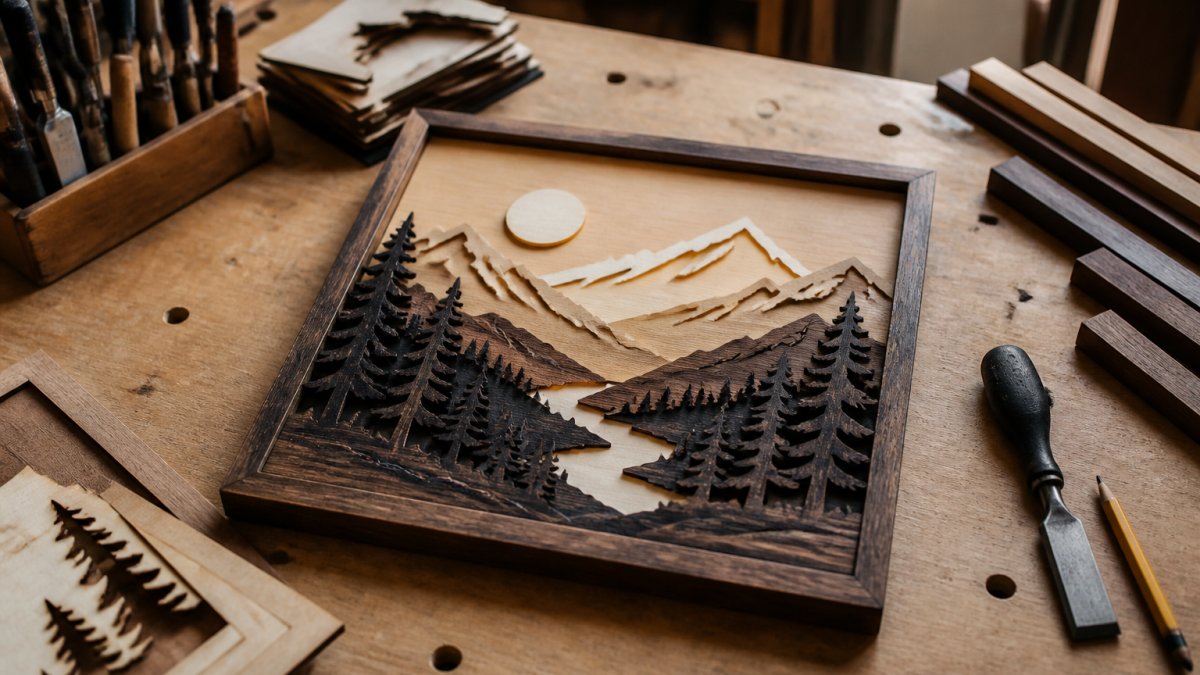
Making Layered Wood Art for Beginners: 2026 Guide
Making layered wood art for beginners starts with the right design files, plywood, and assembly steps. Learn tools, safety, and finishing here.
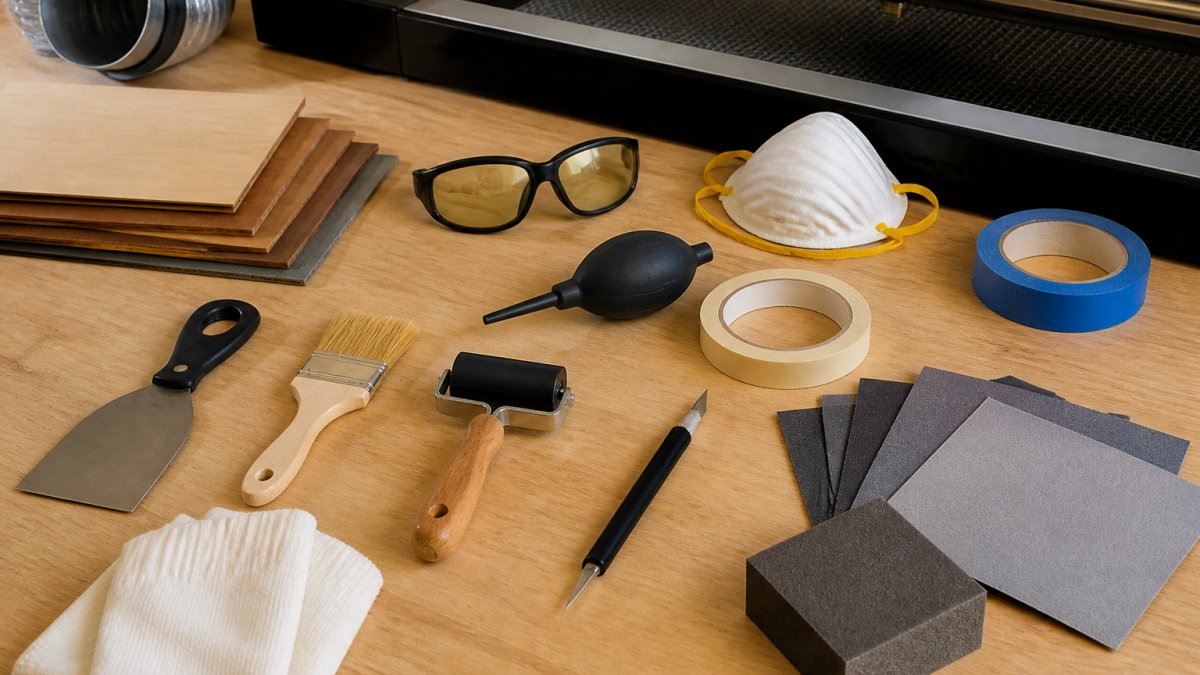
Best Laser File Preparation Tools 2026: Top 7 Picks
Compare the best laser file preparation tools for 2026, from LightBurn to photo-to-engraving software. Find the right fit for your workflow.
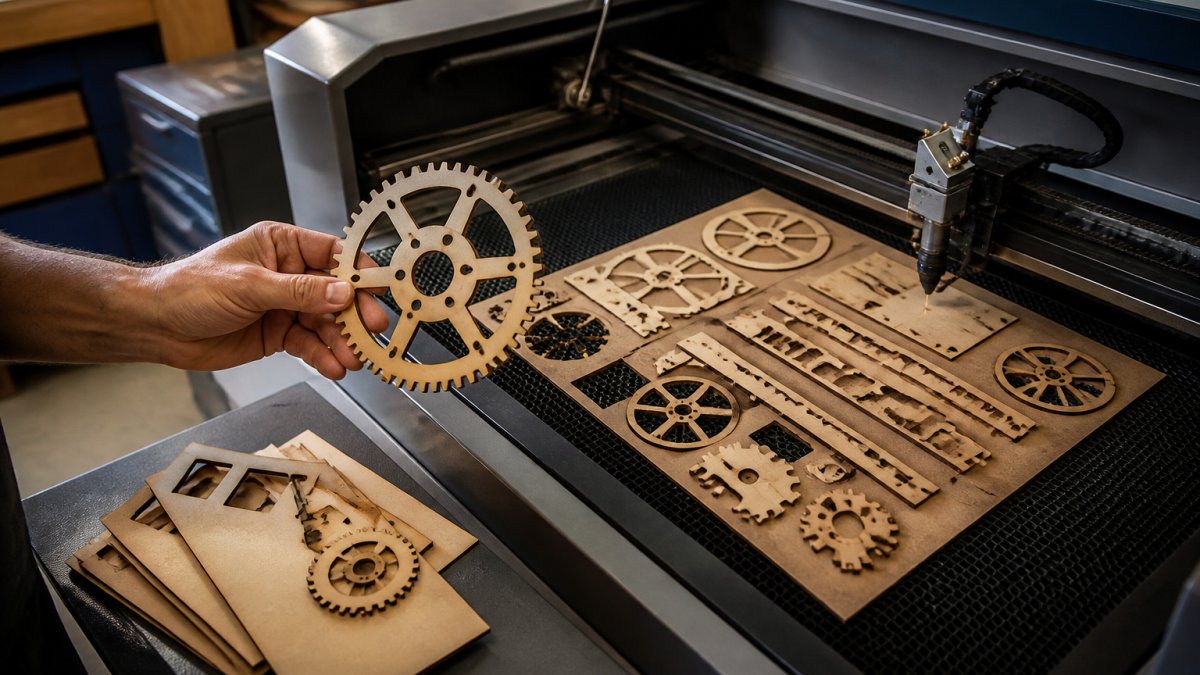
Best Way to Export DXF Files for Laser Cutting
Learn the best way to export DXF files for laser cutting, from LightBurn settings to checking open paths and choosing DXF vs SVG.
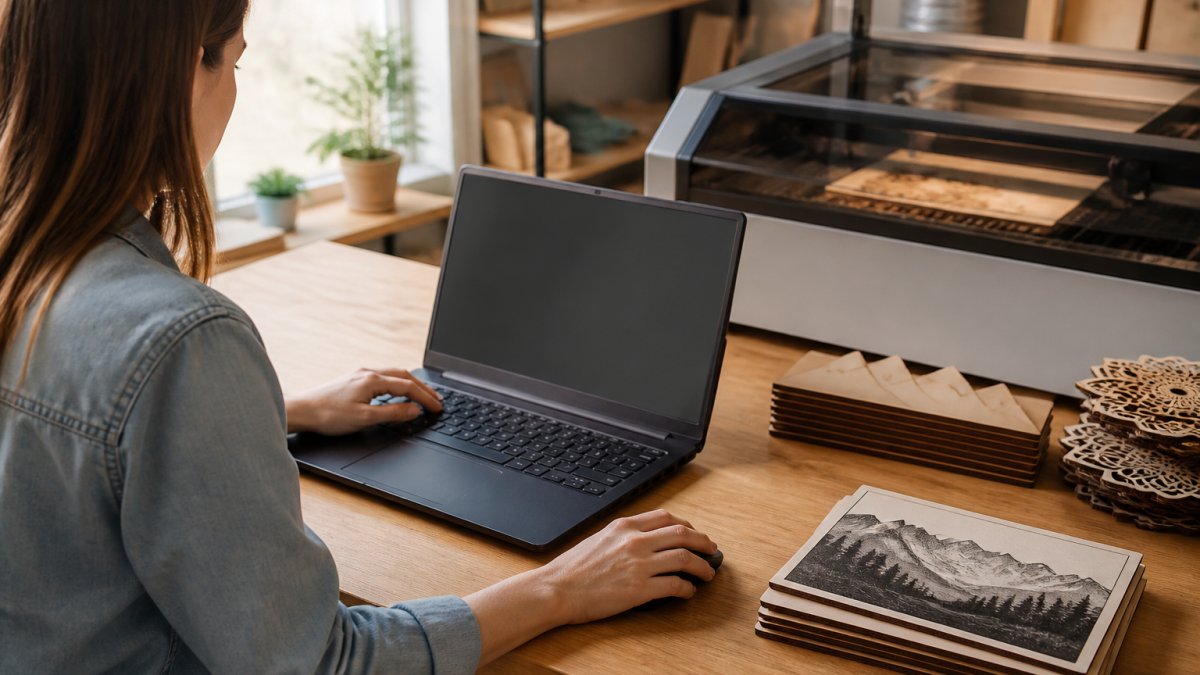
Is Cloud-Based Laser Software Safe? A 2026 Guide
Is cloud-based laser software safe? Learn how to protect design files, vet providers, and download laser software without malware in 2026.
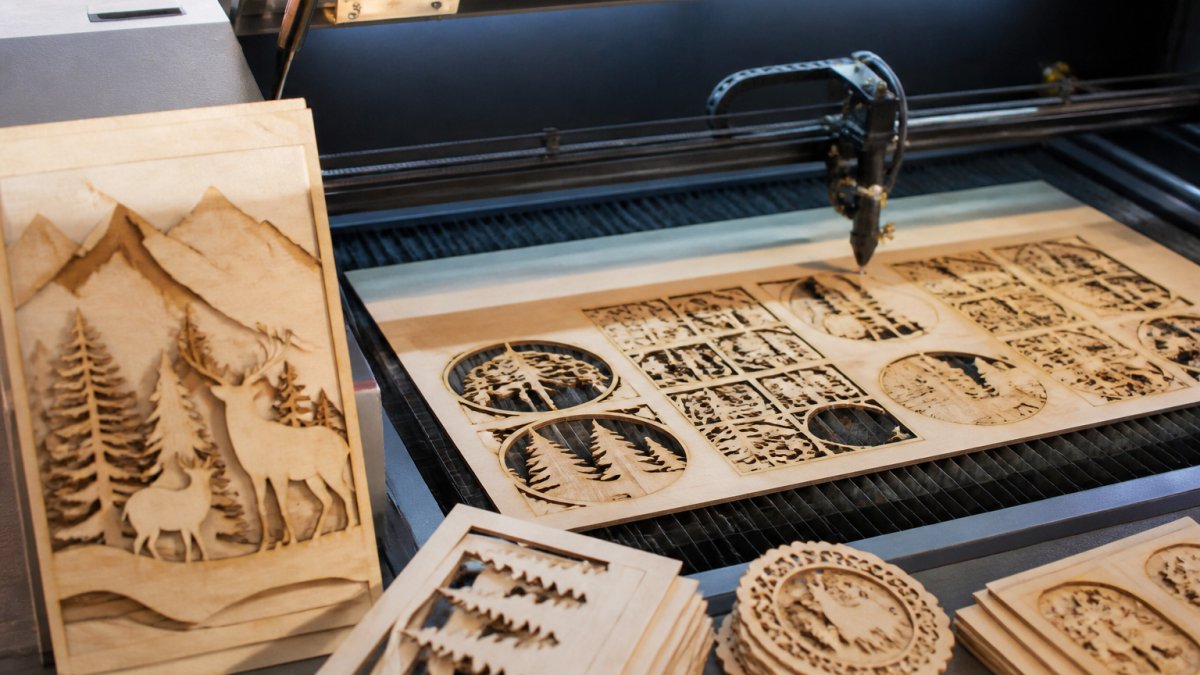
How to Save Time on Laser Projects: 7 Proven Steps
Learn how to save time on laser projects with practical steps for faster engraving, smarter settings, and batch workflows that cut hours from every job.
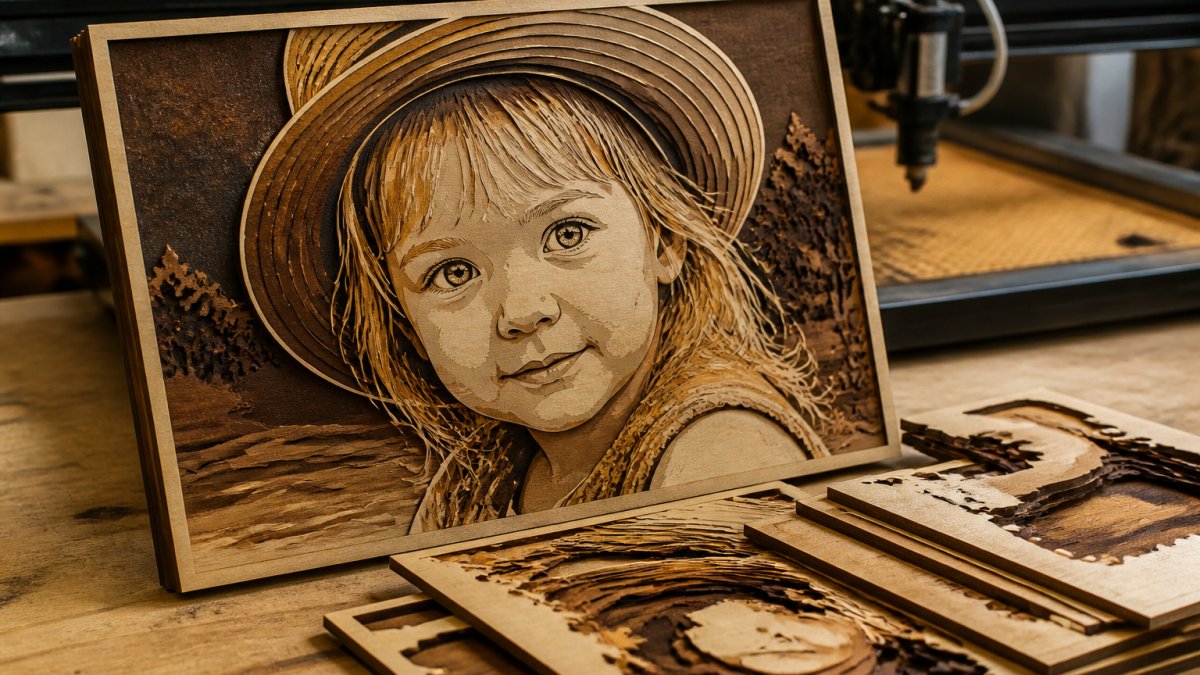
Engrave Detailed Photos on Wood Layers: A Step-by-Step Guide
Learn how to engrave detailed photos on wood layers with laser settings, image prep, and testing techniques. Step-by-step guide for professional results.
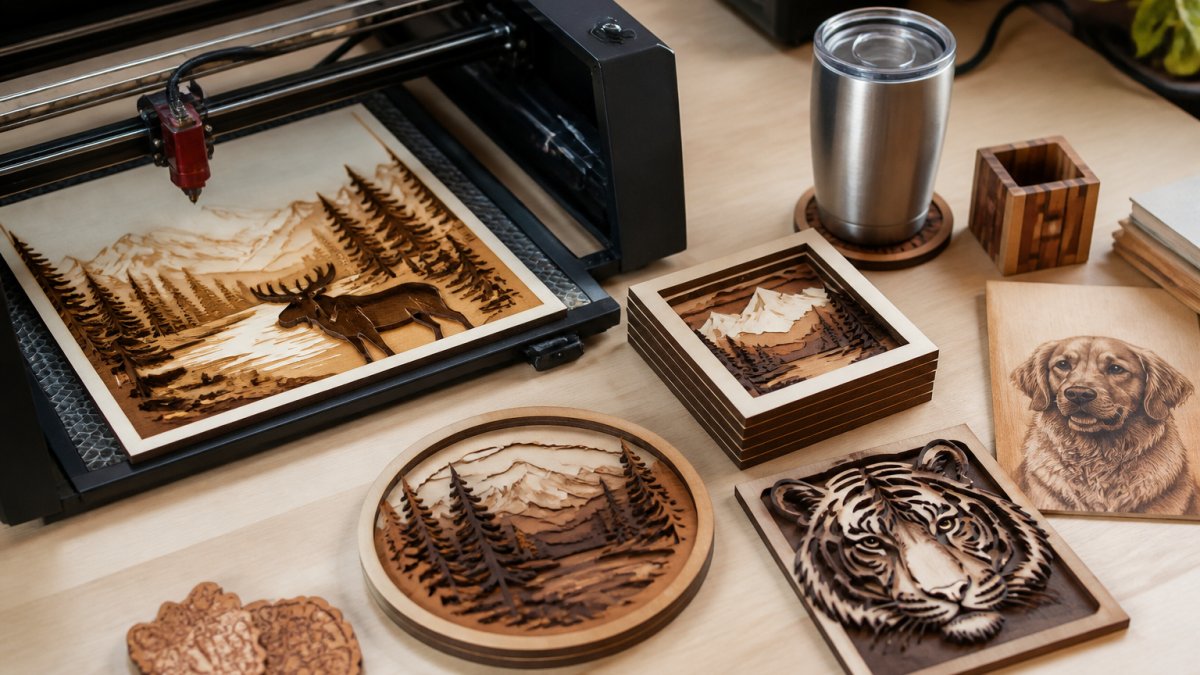
Laser Cutting Software for Custom Signs: 2026 Guide
Compare laser cutting software for custom signs. Find design tools, free options, and LightBurn alternatives for your sign production workflow.
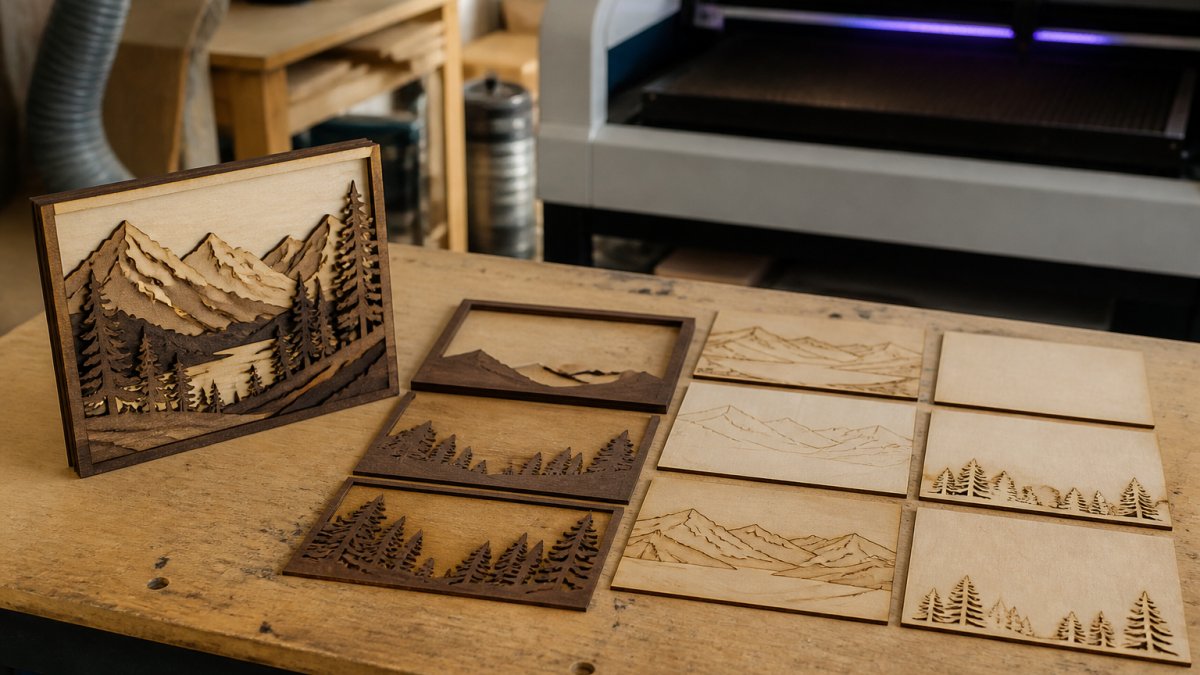
Creating Multi-Layer Laser Files Fast: A Step-by-Step Workflow
Learn how to create multi-layer laser files fast with this step-by-step workflow.
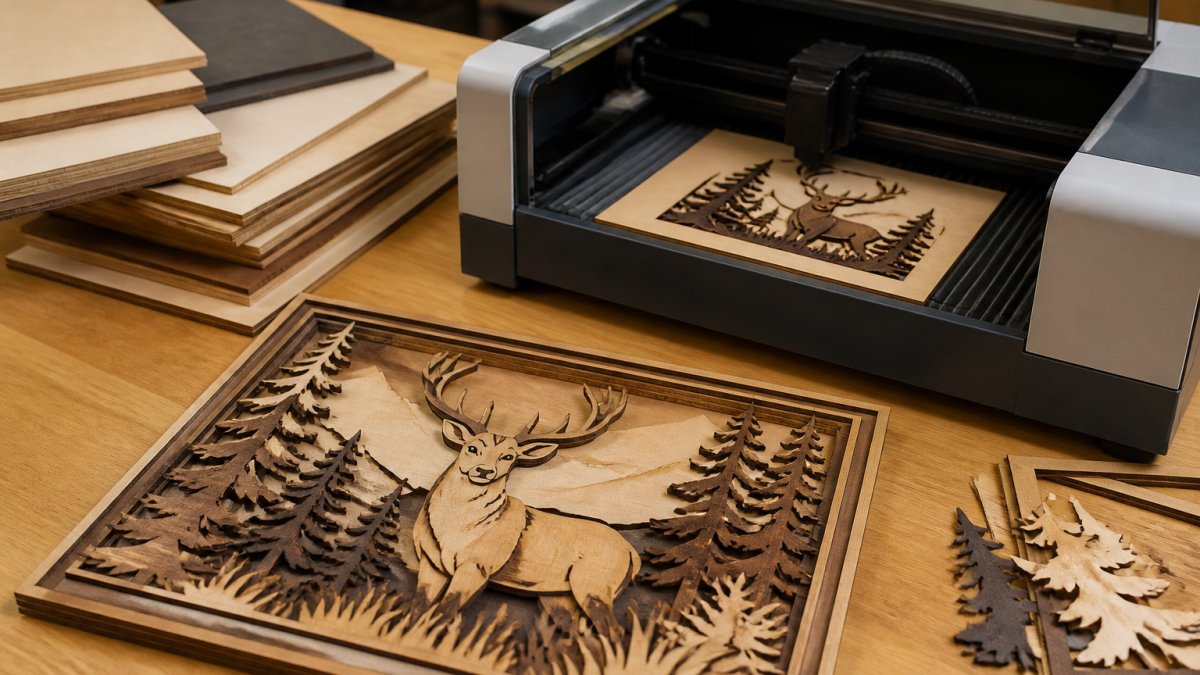
Is Laser File Automation Worth It? A 2026 Guide
Is laser file automation worth it for your shop? Compare manual vs. automated laser engraving workflows, ROI, and file preparation in 2026.
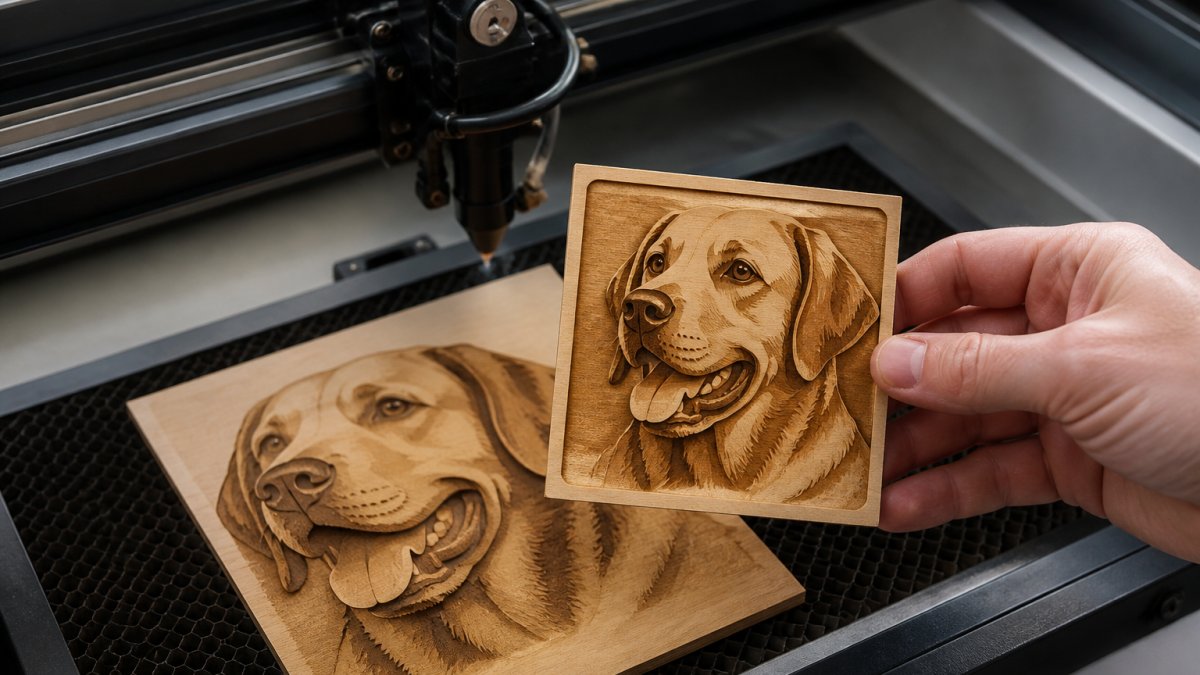
How to Split Images for Depth Engraving (2026 Guide)
Learn how to split images for depth engraving: build depth maps, tune grayscale for laser engraving, and set up LightBurn 3D sliced engravings.
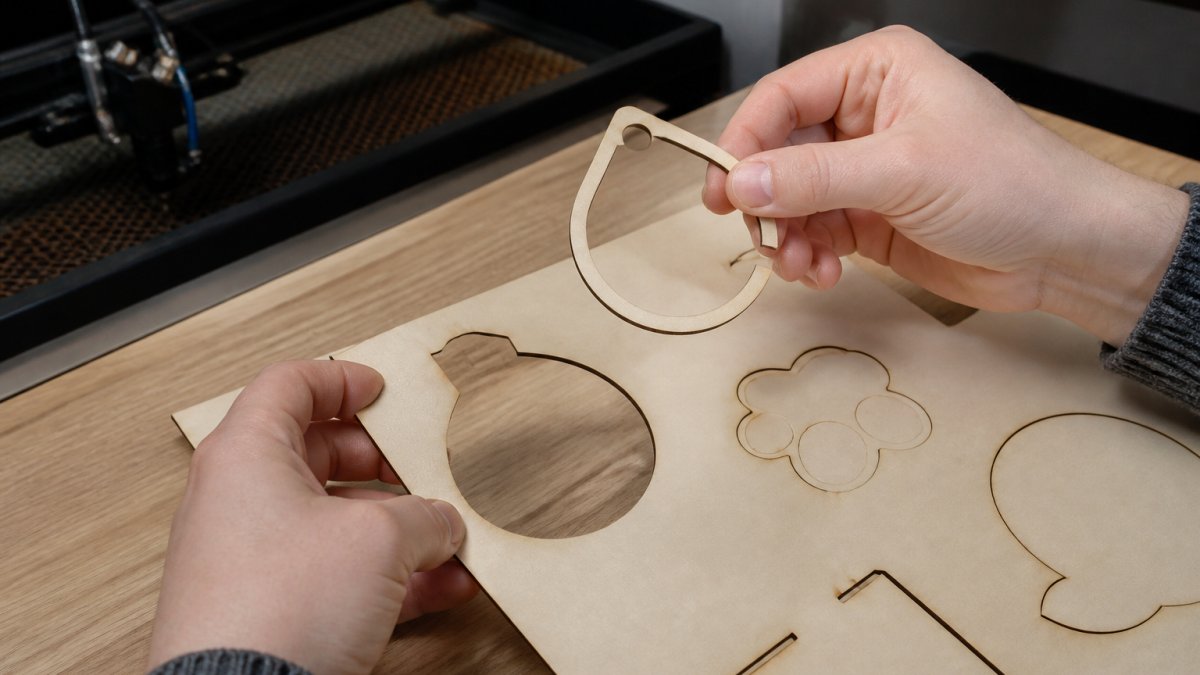
How to Fix Open Vector Paths for Laser Cutting
Fix open vector paths fast. Learn how to find, close, and repair broken vectors in Illustrator and LightBurn before they ruin your laser cut.
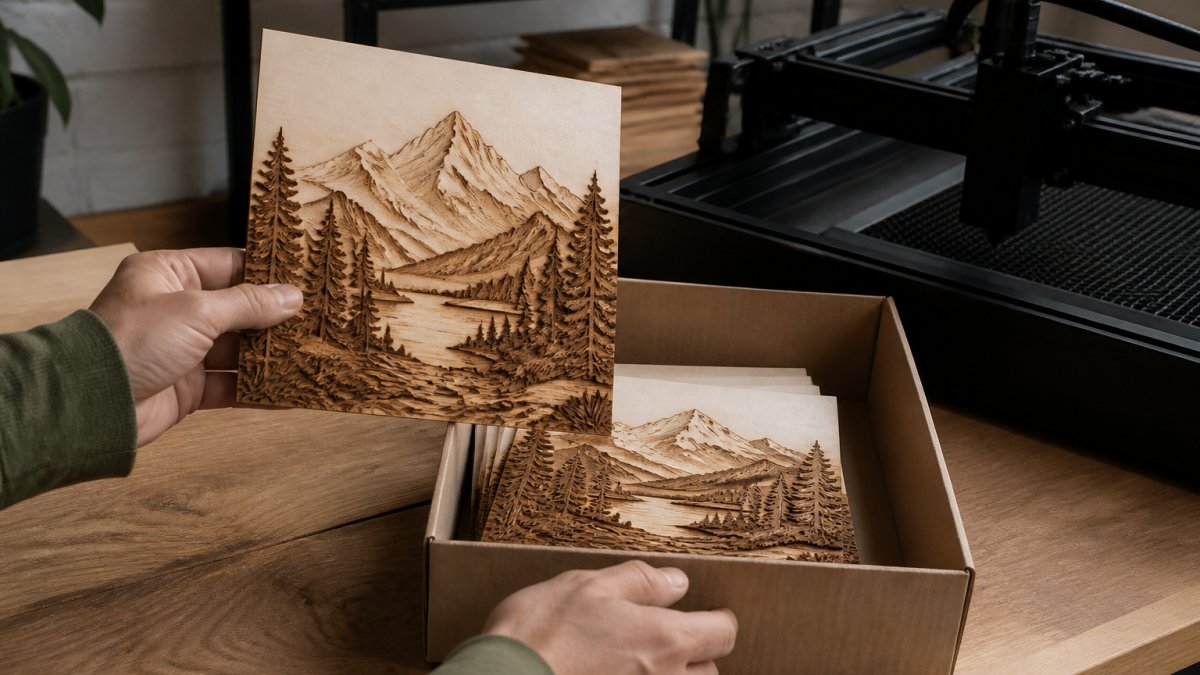
How to Export LightBurn-Ready Files: Step-by-Step
Learn how to export LightBurn-ready files step-by-step. Master file formats, export settings, and troubleshooting for laser cutting and engraving projects.